



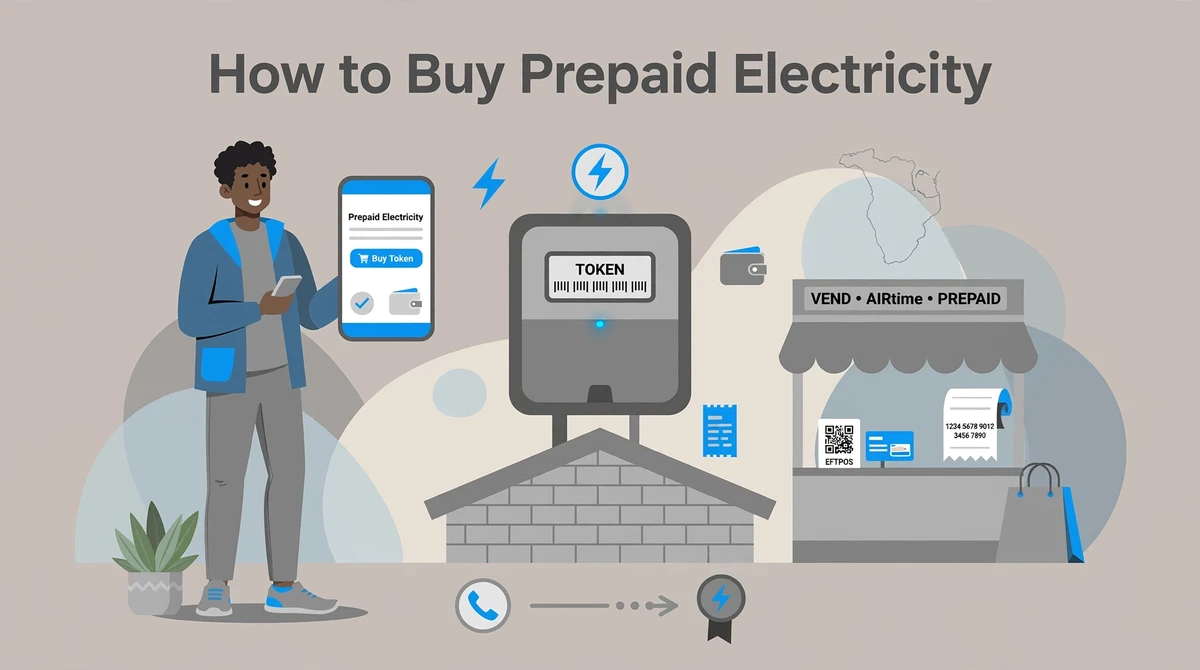
Running low on units always seems to happen at the worst time, usually at night or over a weekend. The good news is that you no longer have to queue at a municipal office. In South Africa you can buy prepaid electricity in a couple of minutes from your phone, an ATM, a supermarket till or an online vendor, as long as you have your meter number and a way to pay. This guide walks through every method, what you need before you start, and how to load the token once you have it.
Quick facts
| Detail | Summary |
|---|---|
| What you need | Your 11-digit meter number and the amount you want to spend |
| Fastest method | Your bank’s app or cellphone banking, token by SMS in seconds |
| Token format | A 20-digit code you type into your meter keypad |
| Where to buy | Banks, ATMs, supermarkets, petrol stations, online vendors |
| Typical daily limit | Some banks cap purchases, often around R1000 a day |
| Good to know | Municipalities may deduct arrears from your purchase amount |
What you need before you buy
Two things get you through almost any purchase. The first is your 11-digit meter number. You will find it on your prepaid meter’s screen, printed on the small plastic card that came with the meter, or on a municipal statement. Take care to enter it correctly, because a token is generated for that exact meter and will not work on a different one.
The second is the amount you want to spend. Most vendors let you buy from as little as R10 or R20 upward. Once payment goes through, you receive a 20-digit token by SMS, on a printed slip or on screen, and you load that into your meter.
If you have never bought for this meter before, keep the meter number saved somewhere safe so future top ups take seconds.
The 6 ways to buy prepaid electricity
1. Your banking app
This is the quickest option for most people. Every major South African bank sells prepaid electricity inside its app, including Capitec, FNB, Nedbank, Absa and Standard Bank. The flow is broadly the same whichever bank you use.
Open your banking app and go to the buy, prepaid or transact section. Choose prepaid electricity, enter or select your saved meter number, type the amount, pick the account to pay from, then confirm. The 20-digit token arrives by SMS or shows on screen straight away.
A few bank-specific notes. Capitec users buy electricity from the payments area of the Capitec app and can save the meter for repeat purchases. FNB customers can buy through the FNB app, online banking or the 120321# USSD string. Nedbank sells through the Money app, online banking and cellphone banking, and the same menu lets you claim free basic electricity if you qualify. Absa offers the banking app, online banking, ChatWallet on WhatsApp and cellphone banking. Standard Bank sells through its app and online banking. Fees and daily limits vary by bank, so check your own app for the exact caps.
2. Cellphone banking and USSD
No smartphone or data required. Most banks have a USSD string you dial to reach a menu, log in with a short PIN, choose electricity, enter your meter number and amount, and confirm. The token comes back by SMS. This is a reliable fallback when the app is down or your data has run out, and it works on any basic phone.
3. ATM
All the big banks let you buy prepaid electricity at their ATMs. Insert your card, look for the prepaid or electricity option, enter your meter number and amount, and take the printed slip with your token on it. Useful when you are already out and want to top up with cash on your card.
4. Supermarkets and retail stores
Most large retailers sell prepaid electricity at the till, including Shoprite, Checkers, Pick n Pay, Spar, Boxer and Woolworths. Give the cashier your meter number and the amount, pay, and you get a slip with the token. In many cases the purchase transfers to your meter automatically once you hand over the meter number, but keep the slip until you have confirmed the units loaded.
5. Petrol stations and garages
Many service stations sell prepaid electricity too, often through EasyPay or UniPin. With EasyPay you give the 11-digit meter number and the amount and receive a 20-digit token. With a UniPin voucher you buy the voucher, send the code by SMS as printed on the slip, and receive your token back. Handy when you are filling up anyway.
6. Online vendors and dedicated apps
Several websites and apps let you register your meter and top up any time by card or EFT, such as Prepaid24, Electricity.co.za, Powertime and Citiq Prepaid, plus payment apps like SnapScan and 1ForYou. These are convenient if you manage more than one meter, since you can save several and buy for all of them from one place. Stick to well known platforms and confirm the site is legitimate before entering card details.
How to load your 20-digit token
Once you have the token, loading it is simple. Type the 20-digit number into your meter keypad and press the enter or blue key. If the code is correct, the meter shows something like ACCEPT and adds your units, and your balance goes up. If nothing was deducted for arrears, the units you bought should match the amount on your slip.
You only need to enter the token manually. If your meter is a smart or automatic type linked to a vendor app, the units may load on their own without you typing anything.
What to do if your meter will not accept the token
A rejected token is almost always fixable. Work through these common causes.
Check the meter number first. The most frequent mistake is buying with the wrong meter number, which generates a valid token for someone else’s meter. Confirm the number on your meter matches the one on your slip.
Make sure the token has not already been used. Each token loads once. If you entered it successfully before, it will not load again.
Re-enter carefully. It is easy to misread a digit. Type it again slowly, and if your meter has a clear or backspace key, use it rather than starting a fresh purchase.
Watch for tariff change tokens. When your municipality changes its tariff or key structure, you may receive extra key change tokens that must be entered before the credit token will load. These usually come with the purchase and have instructions on the slip.
If none of that works, the meter itself may have a fault, and you will need to contact your municipality or metering company with your meter number and the token. Do not buy again until the first token is resolved, so you do not pay twice.
How long does it take, and will I get all my units?
By app, USSD or ATM, the token usually arrives within seconds by SMS. Purchases made through internet banking can sometimes take up to about half an hour to come through, and a vendor app balance can take 30 to 60 minutes to update after a purchase. If your meter shows arrears owed to the municipality, be aware that some councils deduct part or all of that debt from your purchase, so you may receive fewer units than you paid for. That deduction is set by the municipality, not the vendor.
A tip to stretch your rands
In municipalities that still use inclining block tariffs, the price per unit rises as you use more within a month. Buying a large amount early in the month can mean paying a higher block rate sooner. Where this applies, spreading purchases through the month, or buying what you need rather than one big top up, can keep more of your spend in the cheaper block. To see how many units any amount buys at your rate, use our units calculator linked below.
Frequently asked questions
What do I need to buy prepaid electricity?
Just your 11-digit meter number and the amount you want to spend. The meter number tells the vendor which meter to generate the token for, so enter it exactly.
Where do I find my meter number?
It is on your prepaid meter’s screen, on the plastic card supplied with the meter, or on a municipal statement. If you cannot find it, your municipality or metering company can give it to you.
Can I buy prepaid electricity from any bank?
Yes. Capitec, FNB, Nedbank, Absa and Standard Bank all sell prepaid electricity through their apps, online banking, ATMs and cellphone banking. The steps are similar across all of them.
How do I enter the 20-digit token?
Type the 20 digits into your meter keypad and press enter. The meter confirms with an ACCEPT message and adds your units. You only do this by hand on standard meters, as smart meters may load automatically.
Why is my meter not accepting the token?
Usually because the token was bought with the wrong meter number, was already used, or was mistyped. A tariff change may also require key change tokens to be entered first. If it still fails, the meter may be faulty and your municipality can help.
How long does it take to get my token?
By app, USSD or ATM it is usually instant by SMS. Internet banking purchases can take up to about 30 minutes. If units do not reflect after an hour, contact the vendor with your reference and meter number.
Can the municipality take money off my purchase?
Yes. If you owe arrears, some municipalities deduct part or all of the debt from each purchase, so you receive fewer units than the rand value. Contact your municipality to check your balance.
Related tools and guides
- Electricity units calculator
- Eskom electricity tariffs and price per unit
- How to register for free basic electricity
Disclaimer: This article provides general information only. Buying channels, fees, limits and municipal charges vary by bank, vendor and municipality and can change. Always confirm details with your bank, vendor or municipality, and keep your purchase slip until your units have loaded.